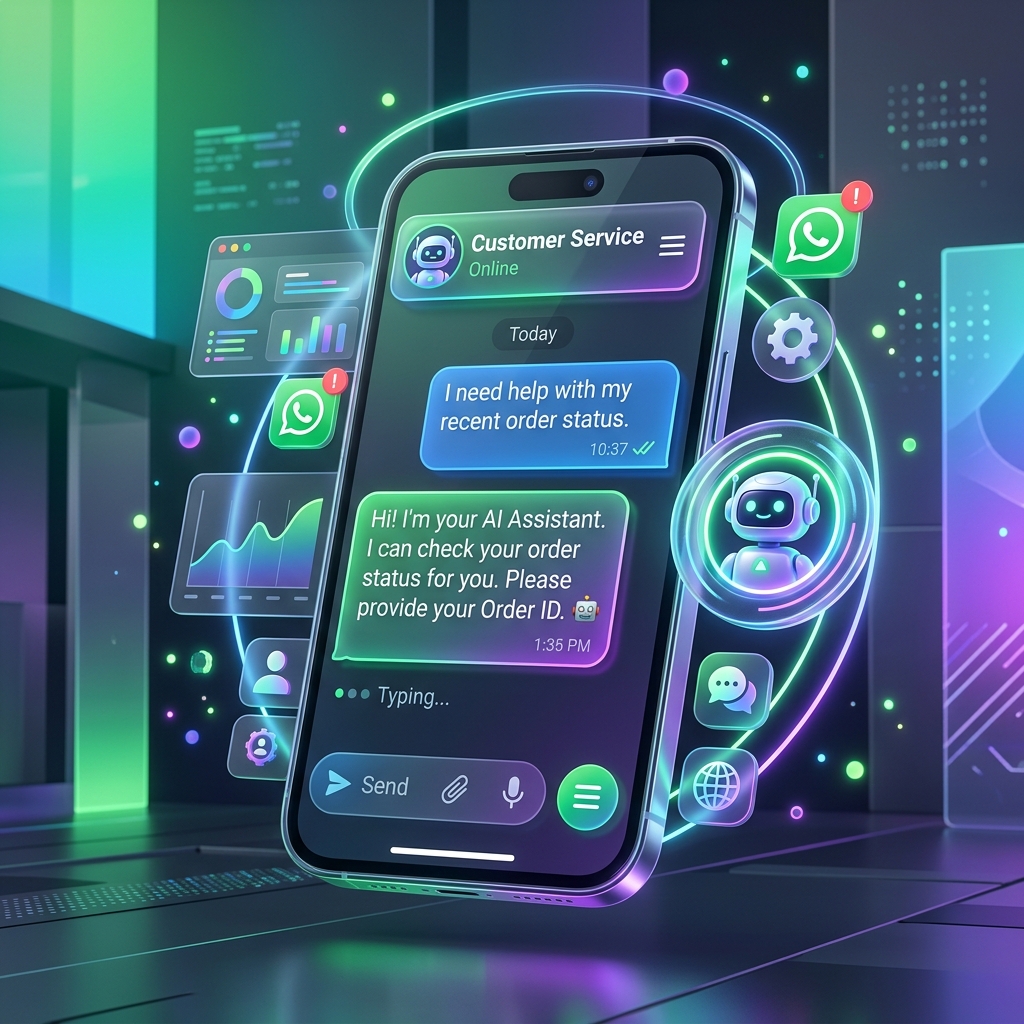
Click-to-WhatsApp ads are one of the most effective ad formats available. They drive direct conversations with high-intent prospects.
What Are Click-to-WhatsApp Ads?
These are Facebook or Instagram ads with a "Send Message" call-to-action button. When clicked, the user's WhatsApp opens with a pre-filled message to your business number.
Setting Up Your First Campaign
Prerequisites
- Meta Business Manager account
- WhatsApp Business API number connected to your Facebook page
- Ad creative (image or video)
- Welcome message template approved
Campaign Setup
- Go to Meta Ads Manager > Create Campaign
- Choose "Engagement" or "Leads" objective
- Select "Messaging Apps" as destination
- Choose WhatsApp as the messaging app
- Set your audience targeting
- Create your ad creative
- Set up the conversation flow (greeting + quick replies)
Optimization Tips
- Target lookalike audiences based on your best customers
- Use video ads — they generate 30% more conversations
- Set up automated greetings so leads get instant responses
- Qualify leads in the first exchange with quick-reply buttons
- Run campaigns during business hours so agents can respond quickly
Key Metrics
- Cost per conversation initiated
- Lead qualification rate
- Response time after ad click
- Conversion rate from conversation to sale`,