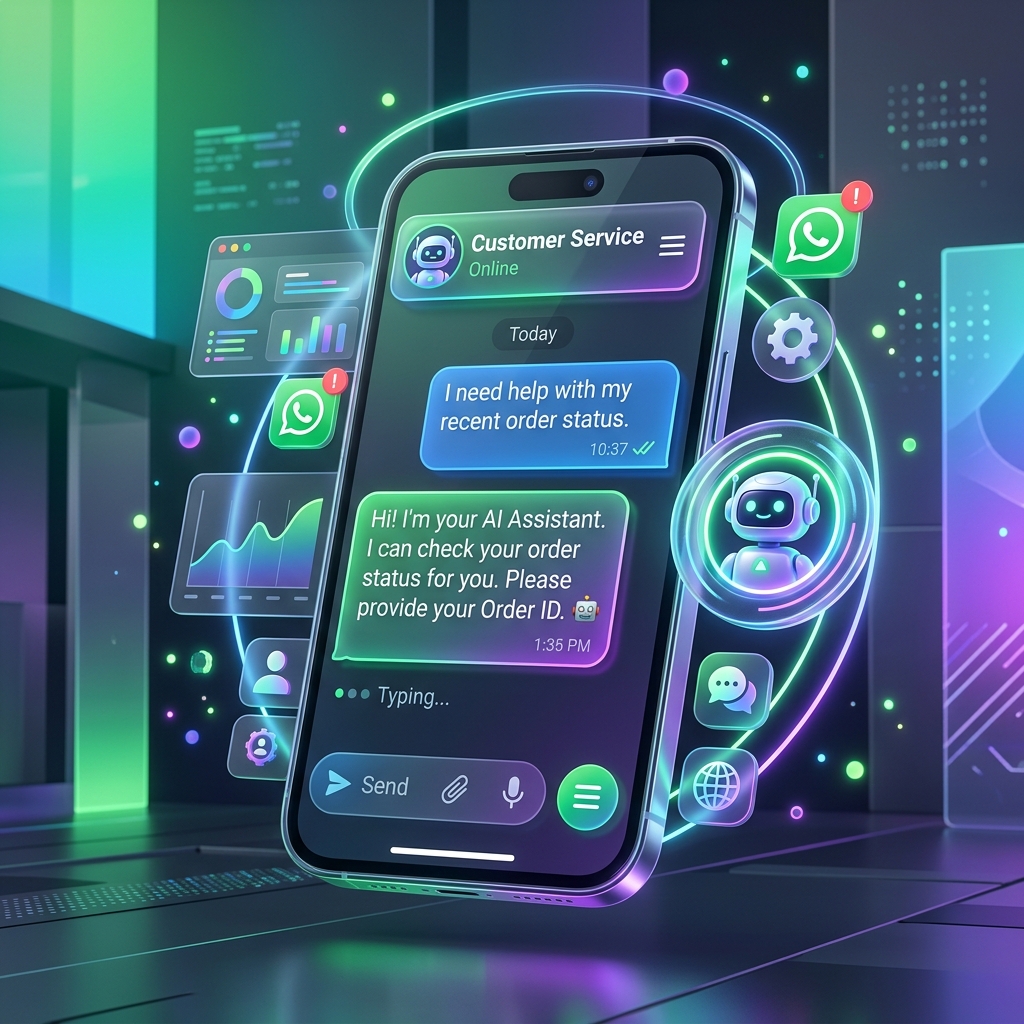
Drip campaigns on WhatsApp are a series of automated messages sent on a predefined schedule. Because WhatsApp messages are opened in minutes, these drips are significantly more effective at driving action than traditional email sequences.
Why WhatsApp Drip Campaigns are Essential
- Micro-Engagement: Break down complex value propositions into bite-sized messages.
- Top-of-Mind Awareness: Stay relevant without being intrusive.
- Automated Nurturing: Move leads through the funnel while your sales team sleeps.
- Personalized Logic: Trigger different drips based on user behavior (e.g., "Interested" vs "Already Bought").
High-Converting Drip Flow Examples
1. The 7-Day Lead Nurture
| Day | Content Type | Goal | |-----|--------------|------| | Day 1 | Welcome + Free Resource | Immediate Value | | Day 2 | Problem-Solution Video | Education | | Day 3 | Customer Success Story | Social Proof | | Day 5 | Detailed Pricing/Comparison | Objection Handling | | Day 7 | High-Urgency Offer | Conversion |
2. The Post-Purchase Onboarding
Immediate: "Welcome to the family! Here's your order confirmation." Day 1: "Quick video: How to get the most out of your product." Day 4: "Need help? Reply here to chat with an expert." Day 14: "How's it going? Review us and get 5% off your next order."
Best Practices for WhatsApp Drips
- Wait Nodes: Use 24-48 hour delays between messages to avoid "spammy" behavior.
- Conditional Branching: If a user clicks a button, exit the nurture drip and start a sales drip.
- Template Usage: Use approved Meta templates for the first message of the sequence.
- Frequency Cap: Never send more than one message every 24 hours unless it's a direct reply.
Related: WhatsApp Marketing for D2C Brands
FAQ
How many messages should be in a drip?
For lead nurturing, 4-6 messages over 10 days is the sweet spot. For onboarding, 3-4 messages suffice.
Can I include buttons in drips?
Yes! Interactive buttons significantly increase the "Click-Through Rate" (CTR) compared to plain text links.
What triggers a drip?
Triggers can be website signups, CRM tag changes, Shopify abandoned carts, or incoming messages.
Do I get charged per message in a drip?
Yes. Every automated message sent outside the 24-hour service window initiates a new conversation charge from Meta.
Can I stop a drip manually?
Yes, in Engage, you can pause or cancel a workflow for a specific contact at any time.`,